
🚀 Free Scribd Downloader
Need to download Scribd documents without a paid account? Our Scribd Downloader lets you instantly save PDFs, PowerPoint slides, and more, safely, quickly, and for free. No sign-ups, no software, just easy access to the content you need anytime, even offline.
Let’s get started!
What is a Scribd downloader?
A Scribd downloader is a simple tool that lets you download files from Scribd without a subscription. You can save PDFs, PPTs, Word files, and more. It works through websites, apps, or browser extensions and lets you read or study offline.
Think of it like quickly saving a document before your Wi-Fi goes down.
How to Download Scribd Documents Easily
Let’s break it down into five simple steps. Even if you are not good with technology, this guide will help you understand everything easily. Just follow the steps below:
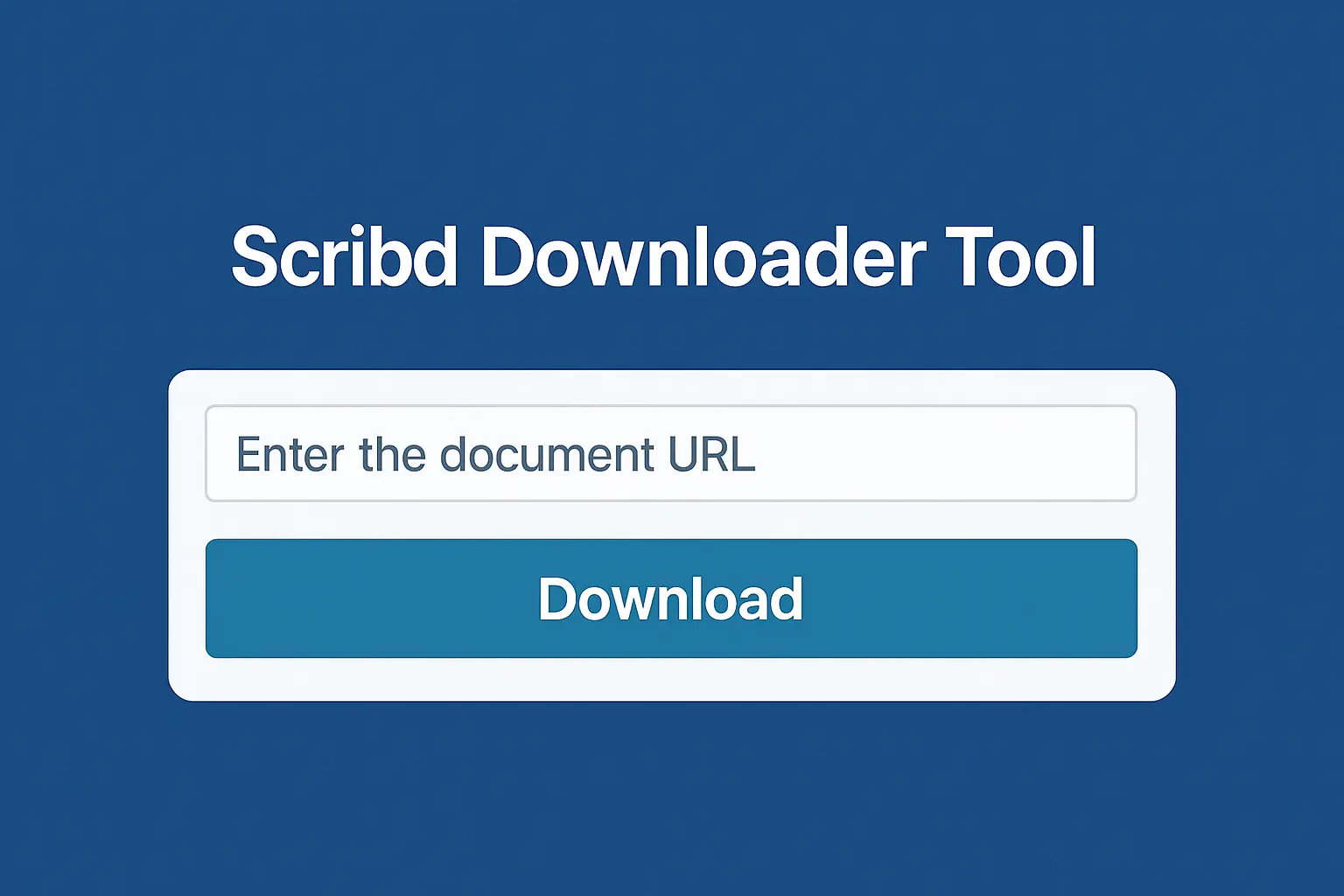
SteStep 1: Open the Scribd Downloader Tool
Visit scribedownloader.com from any device. The interface is clean and simple. No pop-ups, no ads, no sign-ups. Just paste your document link and go.

Step 2: Find Your Document on Scribd
Open Scribd in a separate tab. Use the search bar to find the book, guide, or file you need. Filters like “Most Popular” or “Trending” can help narrow results.
Step 3: Copy the Document Link
Once you find your document, highlight the URL in the address bar and copy it. It should look like scribd.com/document/12345. Think of it like copying a funny meme to share with a friend.


Step 4: Paste and Start Magic Processing
Go back to the Scribd downloader. Paste the URL in the box that says “Paste Scribd URL here” and click “Start Magic Processing.” The tool will convert your file into a downloadable format securely.
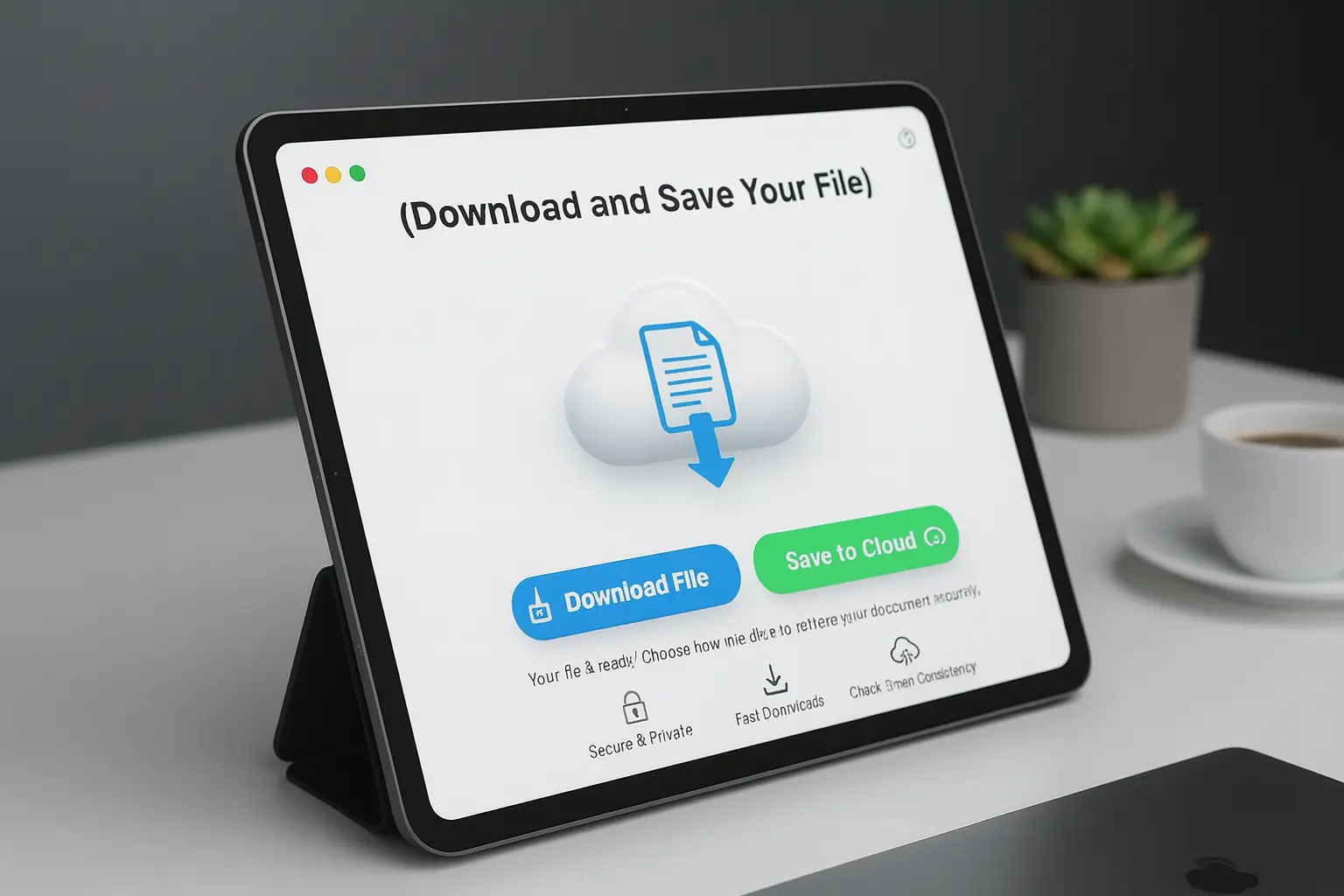
Step 5: Download and Save Your File
Wait a few seconds while the tool prepares your document. When the Download Now button appears, click on it.
You will see options like PDF, PPT, DOCX, Text, or Image Slides.
Choose your format and download it. The file will save directly to your Downloads folder or your phone’s Files app. Now you are ready to read it offline anytime.
Why a Scribd Downloader Feels Like a Superpower
People love Scribd downloaders because they make getting documents fast and stress-free. Here’s why:
No Strings Attached
You don’t need to sign up, give your email, or pay anything. You can start using it right away.
Works Everywhere
The tool doesn’t save your links or files. Whatever you download stays private on your device.
Works Everywhere
Whether you’re using a laptop, phone, tablet, or even an older computer, the downloader works without any problem.
Even though it’s a small tool, it can save you a lot of time and frustration when you need a document quickly
Popular Features of Scribd Downloader
Easy To Use
You don’t need to be a tech expert. The website is simple, just copy the Scribd link, paste it, and click download. Anyone can use it without confusion.
Fast Results
Even if your internet is slow, the tool works quickly. You don’t have to wait long for your file, it fetches the document in just a few seconds.
Free Download
You can download as many files as you want without paying. No hidden charges or limits, making it perfect for students or anyone who needs documents regularly.
HD Quality
The downloaded files keep the same quality as the original. PDFs, PPTs, or images look just like they do on Scribd. Nothing gets blurry or low-quality.
No App Needed
Everything works online through your browser. You don’t need to download or install any app on your phone or computer.
No Sign-up
You don’t need to create an account or give your email. You can start downloading immediately, no waiting, no extra steps.
How Scribd Works and Why Downloaders Are Helpful
Scribd is often called “Netflix for documents.” Launched in 2007, it hosts millions of books, audiobooks, research papers, and user-uploaded content. Professionals, students, and readers love it for its organized library and easy interface.

Free Trial Before Paying Premium Subscription
The free trial lets you use all Scribd content for a limited time. It’s a good way to see the difference between the free version and the full premium subscription before you decide to pay:
| Features | Free Trial | Free Version |
| Content Access | Unlimited access to millions of ebooks, audiobooks, documents, presentations, and sheet music | Limited access to some user-uploaded documents |
| Offline Reading | Download a limited number of ebooks and audiobooks for offline use | No offline access available |
| Legality | Provides legal and ethical access to all content | Provides access to legal content only |
| Security | Secure content without malware or untrusted downloaders | Limited security; annotations and syncing may not work |
| Ad-Free Experience | Enjoy uninterrupted browsing and reading/listening without ads | Ads may interrupt your experience |
Using a reliable Scribd downloader lets you save documents from Scribd in PDF, PPT, or Word formats,
Legal And Safe Ways To Download Scribd Files
It is also important to know the legal way. Many people forget that Scribd offers a 30-day free trial. This trial:
Tip: The free trial is a great choice when you only need temporary access. Remember to cancel later so you don’t get charged.
Canceling a Scribd Subscription
If you tried the Scribd free trial or a paid subscription and want to cancel, it’s really easy. You just need to log in to your account, go to settings, end your subscription, and check the confirmation. Here’s how:
FAQs About Scribd Downloader
Conclusion
Scribd downloaders are lifesavers for anyone who wants offline access to ebooks, presentations, and documents without paying for a subscription. Whether you use an online tool, browser extension, or Scribd’s free trial, these methods help you study, read, and reference content anytime, anywhere. Start exploring and make the most of the incredible library Scribd offers.